How to Create a Lead Magnet That Actually Converts
April 8, 2026 · 6 min read
What is a lead magnet?
A lead magnet is a free resource you offer in exchange for someone's email address. It's the single most effective way to turn casual visitors into subscribers — and eventually, paying customers.
Think of it as a value-first handshake. Instead of asking people to "subscribe to my newsletter" (which nobody wants), you're offering something they genuinely need right now.
Why most lead magnets fail
The number one mistake creators make is creating something too broad. "My Ultimate Guide to Everything" sounds impressive but converts terribly. The best lead magnets solve one specific problem for one specific person.
Here's the difference:
• Bad: "Social Media Tips for Beginners" (too vague) • Good: "The 5-Post Instagram Carousel Template That Got Me 10K Followers" (specific and outcome-driven)
Specificity is what makes someone think "I need this right now" instead of "maybe later."
The best lead magnet formats
Not all lead magnets are created equal. Here are the formats that consistently convert the highest, ranked by effectiveness:
1. Templates and swipe files — People love done-for-you resources. A Canva template, email swipe file, or spreadsheet they can use immediately.
2. Checklists and cheat sheets — Quick-reference guides that simplify a complex process. One page, high value, zero fluff.
3. Mini-courses and video tutorials — Higher effort to create, but they build massive trust. A 3-part email series or a 10-minute video walkthrough.
4. Toolkits and resource lists — Curated lists of tools, apps, or resources for a specific goal. People bookmark these.
5. Quizzes and assessments — Interactive lead magnets have the highest conversion rates (sometimes 40%+), but they're harder to build.
How to set up your lead magnet in 60 seconds
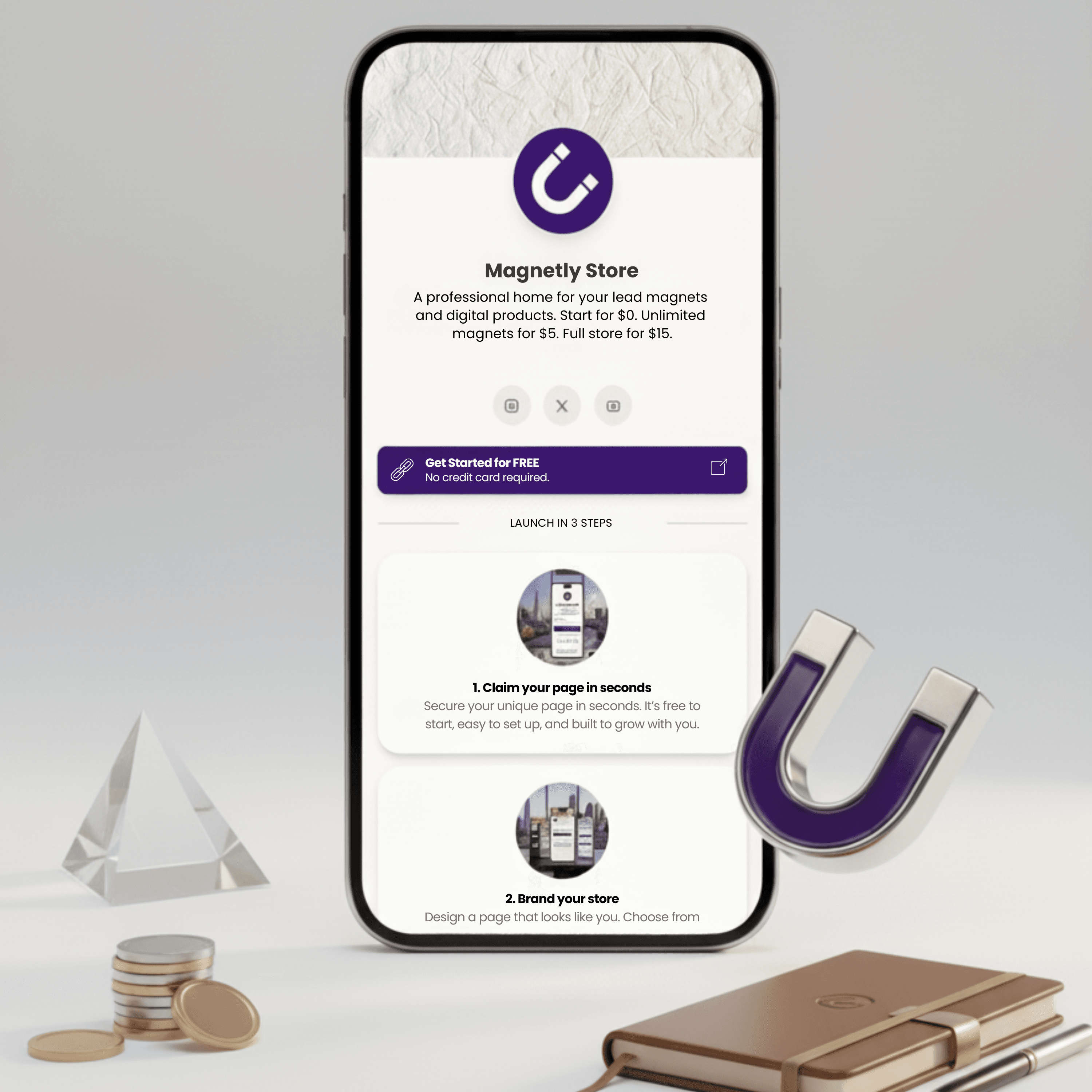
With Magnetly, you don't need a separate landing page builder, email tool, and file host. Here's how it works:
1. Sign up for free at magnetly.store 2. Click "Add Magnet" and choose Lead Magnet 3. Upload your file (PDF, template, guide — whatever it is) 4. Write a compelling title and description 5. Share your link
That's it. When someone enters their email, they get the file instantly and you get a new subscriber in your audience tab. No Zapier, no Mailchimp, no friction.
Tips for maximising conversions
Once your lead magnet is live, here are proven ways to squeeze more signups out of it:
• Write the title as a benefit, not a description. "Double Your Engagement in 7 Days" beats "Social Media PDF." • Add social proof if you have it — "Downloaded by 500+ creators" works wonders. • Use your lead magnet as your link-in-bio CTA. Every profile visit becomes a potential subscriber. • Create multiple lead magnets for different audience segments. A fitness creator might have one for beginners and one for advanced lifters.
The creators who grow fastest aren't the ones with the biggest audiences — they're the ones who convert the highest percentage of visitors into subscribers.
Start your free creator store
Build your landing page, capture leads, and grow your audience in under 60 seconds.
Get Started Free